
Keep Your MCPs Updated: The NotebookLM CLI Upgrade
I was two minor versions behind on notebooklm-mcp-cli and had no idea until a re-auth banner interrupted a session. The gap was 0.5.25 to 0.7.2. Security fixes, auth reliability improvements, and new features I was missing the whole time. Here is the three-part upgrade that most people stop after step one.
I was two minor versions behind on notebooklm-mcp-cli and didn't know it until a re-auth banner interrupted a session. The gap was 0.5.25 to 0.7.2, two minor releases of fixes and features that had shipped without my noticing any of it.
How I Caught It#
I ran nlm login to re-authenticate for an unrelated task. The login completed fine, and then at the end of the output I saw this:
Update available: 0.5.25 -> 0.7.2
Run `uv tool upgrade notebooklm-mcp-cli` to update.
That was it. A single line appended to the login output. No notification, no warning on tool calls, no banner in Claude Code. The re-auth banner is the only reason I noticed. If I hadn't needed to re-authenticate that day, I'd have kept running 0.5.25 indefinitely.
The notebooklm-mcp-cli package (by jacob-bd) is the MCP server and CLI that drives Google NotebookLM from Claude Code. It installs via uv tool and exposes the nlm binary and the notebooklm-mcp server binary. I'd set it up months earlier when I wrote about integrating NotebookLM MCP into Claude Code. Since then, it had been silently drifting.
What 'Two Minor Versions Behind' Actually Means
From 0.5.25 to 0.7.2 covers all of 0.6.x and 0.7.x: security hardening, auth-reliability rewrites, live token pickup, and three new feature areas. That is not a patch-level nudge.
What I Was Missing#
Auth reliability (0.6.14 through 0.7.2). This is the one that would've bitten me soonest. Google runs different session lifecycles for the NotebookLM homepage versus the RPC API. So "semi-stale" cookies, ones rejected by the homepage but still accepted by the API, caused tools to wrongly report auth as expired. I'd have been seeing false re-auth prompts and transient failures with no clear cause.
Version 0.7.1 added a multi-probe AuthHealthChecker to distinguish these cases. Version 0.7.2 unified all the MCP auth gates so server_info, refresh_auth, and studio_create stop disagreeing with each other. On 0.5.25, they could give you three different opinions on whether you were authenticated.
Live token pickup (0.6.15). A long-running MCP server now detects a fresh nlm login immediately via an mtime file-watch, instead of using stale tokens for up to 60 seconds after you re-authenticate. Small thing, but the kind of thing that makes debugging auth issues maddening when you don't know it's happening.
Security hardening (0.6.13). Three specific fixes:
- TOCTOU-safe credential file creation. Previously,
cookies.jsonandauth.jsonwere briefly world-readable between creation and thechmod 0600call. That window is now closed. - HTTP/SSE transports refuse to bind to
0.0.0.0unlessNOTEBOOKLM_ALLOW_EXTERNAL_BIND=1is set explicitly. Running the server on a shared machine without this protection exposed it to any local process. - CI actions pinned to full commit SHAs. Before this, tag-drift could silently swap in different code during package builds.
I run this server on a couple of different machines, so that world-readable credential window wasn't a hypothetical for me.
Real Credential Exposure Risk
The TOCTOU window on credential files isn't theoretical. On any multi-user system or CI environment, that brief world-readable moment is enough for a race condition exploit. If you were running 0.5.25 in those environments, the files were intermittently exposed at creation time.
New features. Source label management shipped in 0.6.0, which lets you categorize sources inside a notebook. Studio 0.7.0 added a fast-track mode (generate without a questionnaire) and a cinematic video format. Version 0.7.2 added a ChatGPT file/artifact upload bridge. None of these were available to me.
Visual walkthrough#
Here is everything those two minor versions added, in one frame:
The Upgrade Itself#
The package upgrade is the easy part:
uv tool upgrade notebooklm-mcp-cli
Confirm it landed:
nlm --version
# notebooklm-mcp-cli 0.7.2
# You are on the latest version.

nlm login --check
# Authentication valid. Default profile. 38 notebooks.
That upgrades the package. It does not touch the server you are actually connected to.
The Easy-to-Miss Step
Upgrading the package does not update the already-running MCP server process. The connected notebooklm server keeps the old 0.5.25 code in memory until you reconnect it. Use /mcp in Claude Code to disconnect and reconnect the server. Only after reconnecting does server_info report version 0.7.2 with auth_status "configured." Upgrading the binary and reconnecting the server are two separate steps, and skipping the second one means you're still running old code.
After reconnecting, I confirmed via server_info: version 0.7.2, auth_status "configured." The two steps together take about 90 seconds. The uv tool upgrade on its own leaves the running process untouched.
Updating Agents and Skills#
This is the step I spent the most time on, and the one that decides whether the upgrade buys you anything.
I found four files in my claude-code-config repo that referenced the NotebookLM MCP: agents/notebooklm-assistant.md, agents/notebooklm-content.md, skills/notebooklm-content/SKILL.md, and skills/homenet-document/SKILL.md. All four had accumulated drift since the original setup.
The specific issues were small, and the kind that fail silently. The old source_add_text and source_add_url tools no longer exist as separate calls; they're consolidated into a single source_add(source_type=url|text|drive|file, ...), and any doc still naming the old tools would confuse the model or fail outright. One file still referenced the pre-rename revise-slide instead of studio_revise. Another still advertised "35 tools" in its description, a number the consolidated 0.7.2 surface no longer matches, so the doc was quietly lying about its own capabilities. I dropped the hardcoded count rather than chase a figure that'll drift again next release.
Beyond fixing the regressions, I added the new capabilities:
- The unified
studio_createnow acceptsvideoas an artifact type, with acinematicvideo format option. - Studio fast-track behavior: when context is clear, it infers format, style, and prompt and generates without a questionnaire. Agents should know this to avoid prompting users unnecessarily.
- The
tagvslabeldistinction, which is genuinely confusing.tagoperates at the notebook level: tag whole notebooks, find them later by query with smart-select.labeloperates at the source level: categorize the sources inside one notebook. Different tools for different jobs, and conflating them produces wrong results. - The reliable
auth_statusmodel:configuredmeans valid,stalemeans actually re-authenticate,unverifiedmeans a transient network error so retry rather than re-login. Agents that don't know this distinction will prompt for re-auth on every transient failure.
I verified all of it live against 0.7.2: server_info (0.7.2, configured), notebook_list (38 notebooks), tag list (works), and confirmed the live tool surface now exposes both tag and label plus the new source_add_chatgpt_file. Then I synced all four updated files to my public claude-code-config repo and updated my knowledge graph.
Verify Against the Live Tool Surface
After any MCP upgrade, run server_info and cross-reference the returned tool list against your agent docs. Any tool name in your docs that doesn't appear in the live surface is a silent failure waiting to happen.
The Tag vs Label Distinction
In NotebookLM MCP: tag is for notebooks, label is for sources inside a notebook. They're easy to conflate because both sound like "categorization." Update your agent docs to make this explicit, or your agents will use the wrong one.
The whole upgrade, end to end, is three steps. Most people do the first one and stop:
Why This Matters Beyond NotebookLM#
The thing about MCP servers is that they're dependencies, the same as any npm package or pip wheel. They drift. They ship security fixes. They add features you won't use unless you know about them.
Unlike a library that breaks your build when it updates, an MCP server update is invisible. Your tools keep working, you keep calling the old surface, and the new capabilities just sit there unreached while the security fixes apply only to a binary you have not loaded.
Your signals are the re-auth banners (like the one that caught this) and the server_info response, which includes an update_available flag on some servers. Build a habit of checking nlm --version periodically, or better, after any session where you run nlm login.
The Three-Part Upgrade
When you upgrade an MCP server, there are always three jobs: upgrade the package, reconnect the running server so the new binary loads, then update the agents and skills that call it so they know the new surface. All three, every time.
Skip that third job and you're running new code through an old map: agents still calling deprecated tools, missing the new capabilities, and mis-handling the auth states the new server now knows how to tell apart. The package upgrade is the announcement. Keeping the agents and skills current with it is the actual work, and on this upgrade it was most of the work.
If you're setting up NotebookLM MCP for the first time, MCP Servers: The Missing Piece in Your Claude Code Setup covers the fundamentals. And NotebookLM as a Content Pipeline: From Blog Posts to Branded Visuals shows what the updated tool surface enables once you've got it running.
Weekly Digest
Get a weekly email with what I learned, summaries of new posts, and direct links. No spam, unsubscribe anytime.

Related Posts
35 MCP tools, 7 implementation tasks, 2 platforms, 1 session. How I used the superpowers brainstorming, writing-plans, and subagent-driven-development pipeline to integrate NotebookLM into Claude Code as a first-class MCP server.
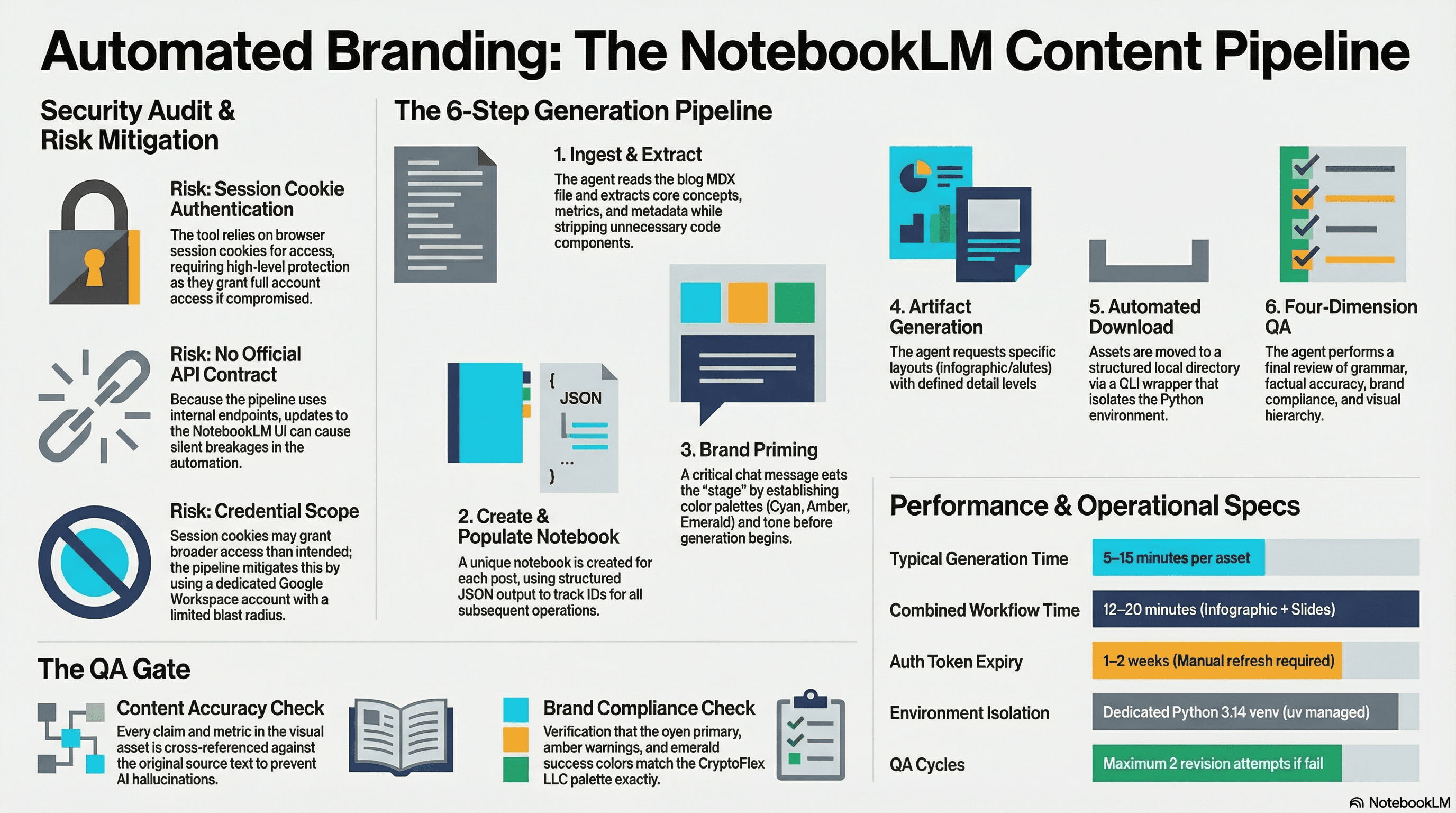
I set up notebooklm-py as a programmatic content creation pipeline for CryptoFlex LLC, building a custom agent and skill that turns blog posts into branded infographics and slide decks with automated QA. Here is how the security review went, what the pipeline looks like, and what I learned about trusting reverse-engineered APIs.
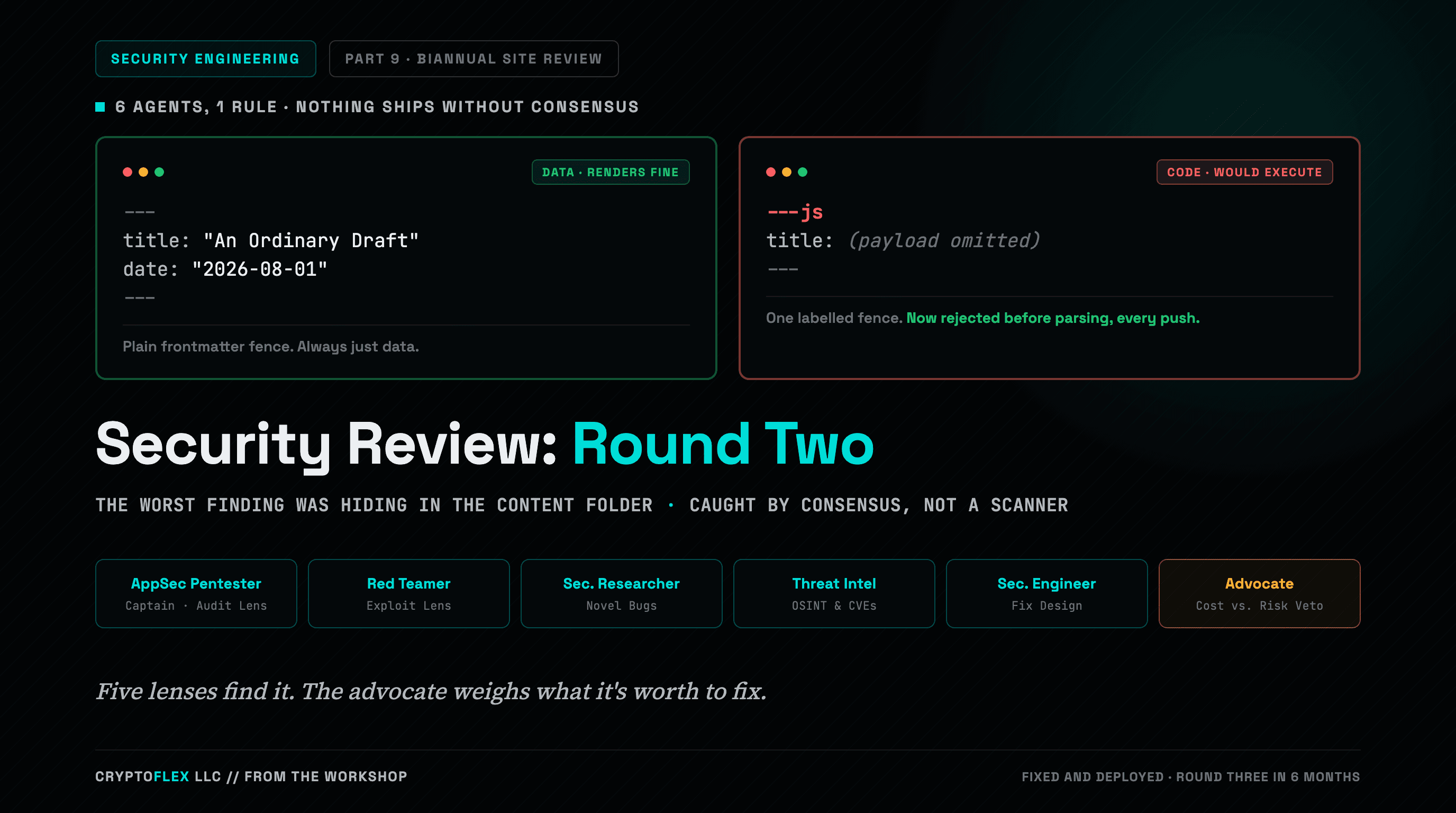
A team of six agents, five security specialists plus an advocate representing the site owner, ran a consensus-driven security review of cryptoflexllc.com. The standout finding: an ordinary-looking blog draft that could have been parsed as executable code instead of data.
Comments
Subscribers only — enter your subscriber email to comment