
16 Features in One Session: Upgrading a Next.js Blog From the Ground Up
A technical walkthrough of 16 site improvements shipped in a single Claude Code session: reading progress bars, dark mode, fuzzy search, a contact form, code playgrounds, a guestbook, achievement badges, and more.
There is a particular kind of developer satisfaction that comes from starting a session with a blank todo list and ending it with 16 shipped features, a clean build, and 591 passing tests. This post is a detailed look at what those features were, how they were implemented, and what made some of them interesting from a technical standpoint.
The full stack: Next.js 16, React 19, Tailwind v4, MDX, Neon Postgres, Vercel. New dependencies added: fuse.js for fuzzy search and @codesandbox/sandpack-react for embedded code playgrounds.
I'll group these by complexity, because not all features are created equal.
Quick Wins (Features 1-6)#
These six features are the kind of polish that separates a functional site from one that feels finished. Each one took under an hour.
1. Reading Progress Bar#
A thin cyan line at the top of every blog post that fills as you scroll. The implementation is a single useEffect and a bit of inline style.
useEffect(() => {
  const update = () => {
    const doc = document.documentElement;
    const scrolled = doc.scrollTop;
    const total = doc.scrollHeight - doc.clientHeight;
    setProgress(total > 0 ? (scrolled / total) * 100 : 0);
  };
  window.addEventListener("scroll", update, { passive: true });
  return () => window.removeEventListener("scroll", update);
}, []);
The passive: true option is important here. Without it, the browser has to wait to see if the event handler will call preventDefault() before it can scroll. Marking it passive tells the browser "never mind, scroll freely" and eliminates the associated jank.
2. Back to Top Button#
Appears after the user scrolls 400px, smooth-scrolls to the top on click. The 400px threshold is deliberate: short posts might never show it, which is correct behavior. If you haven't scrolled far enough to need help getting back, you don't need the button.
3. Social Share Buttons#
Twitter/X, LinkedIn, and a copy-link button with inline SVG icons. No external icon library needed. The copy-link button uses the Clipboard API and shows a brief "Copied!" confirmation state before resetting.
Inline SVG over Icon Libraries
For three icons, pulling in an icon library is overkill. Inline SVG keeps the bundle lean and gives you precise control over sizing and color via currentColor. Grab the paths from Heroicons or Simple Icons and paste them directly.
4. Table of Contents with Active Heading Tracking#
A collapsible TOC that highlights the section you are currently reading. The active tracking uses IntersectionObserver, which is the right tool for this job: no scroll listeners, no manual offset calculations, browser-native intersection detection.
const observer = new IntersectionObserver(
  (entries) => {
    for (const entry of entries) {
      if (entry.isIntersecting) {
        setActiveId(entry.target.id);
      }
    }
  },
  { rootMargin: "0px 0px -80% 0px" }
);
The rootMargin of -80% on the bottom edge means a heading only becomes "active" when it is in the top 20% of the viewport. This keeps the active state ahead of where most of the text actually lives.
5. Dark/Light Mode Toggle#
Persisted to localStorage, with an inline script injected before the page renders to prevent the flash of wrong theme. This is the part that trips people up.
Without the inline script, the page renders in light mode, React hydrates, reads localStorage, and then switches to dark mode. The user sees a flash. The fix is a small blocking script in the <head> that sets the dark class on <html> before the first paint:
<script>
  (function () {
    const theme = localStorage.getItem("theme") || "dark";
    if (theme === "dark") {
      document.documentElement.classList.add("dark");
    }
  })();
</script>
On the React side, suppressHydrationWarning on the <html> element tells React not to complain about the server/client HTML mismatch that this script creates.
The Hydration Mismatch Trap
Server-rendered HTML will always use the default theme (no localStorage available at build time). The inline script changes the DOM before React sees it, creating a mismatch. Without suppressHydrationWarning, you will see hydration errors in the console. With it, React accepts the discrepancy and moves on.
6. Dynamic OG Images#
An edge runtime route at /api/og that generates 1200x630 Open Graph images using @vercel/og. Each image includes the post title, author, date, and tags. The edge runtime constraint means no Node.js APIs, only Web Platform APIs, but @vercel/og handles the complexity.
export const runtime = "edge";

export async function GET(request: Request) {
  const { searchParams } = new URL(request.url);
  const title = searchParams.get("title") ?? "CryptoFlex LLC";
  // ... ImageResponse JSX here
}
Blog post metadata pages pass the title, date, and tags as query parameters. The result is a unique, automatically generated social card for every post.
Medium Features (Features 7-11)#
These required more thought and more code. Each one touches multiple layers of the application.
7. Fuzzy Blog Search with Keyboard Shortcut#
The existing search was a simple includes() check. Replaced with Fuse.js weighted fuzzy matching and a Ctrl+K keyboard shortcut.
const fuse = new Fuse(posts, {
  keys: [
    { name: "title", weight: 3 },
    { name: "description", weight: 2 },
    { name: "tags", weight: 1 },
  ],
  threshold: 0.3,
  includeScore: true,
});
The weights encode a priority ordering: a title match is worth three times a tag match. The threshold of 0.3 controls fuzziness: 0 is exact match, 1 is anything goes. At 0.3, "Next.js" will match "nextjs" and "Next JS," but not completely unrelated terms.
Why Fuse.js?
Fuse.js is 24KB, runs entirely in the browser, and requires zero backend infrastructure. For a static blog with fewer than 100 posts, it is the right choice. Server-side search (Algolia, Meilisearch, Postgres full-text) only makes sense when the dataset is too large to ship to the client.
The Ctrl+K shortcut follows the pattern users already know from VS Code and Notion:
useEffect(() => {
  const handler = (e: KeyboardEvent) => {
    if (e.key === "k" && (e.ctrlKey || e.metaKey)) {
      e.preventDefault();
      inputRef.current?.focus();
    }
  };
  document.addEventListener("keydown", handler);
  return () => document.removeEventListener("keydown", handler);
}, []);
8. Related Posts#
At the bottom of every blog post, a "Related Posts" section shows up to three posts chosen by tag overlap. The scoring algorithm is simple and effective:
function relatedScore(post: Post, current: Post): number {
  const currentTags = new Set(current.tags);
  return post.tags.filter((tag) => currentTags.has(tag)).length;
}

const related = allPosts
  .filter((p) => p.slug !== current.slug)
  .map((p) => ({ post: p, score: relatedScore(p, current) }))
  .filter(({ score }) => score > 0)
  .sort((a, b) => b.score - a.score)
  .slice(0, 3)
  .map(({ post }) => post);
No ML, no embeddings, no API calls. Pure tag overlap. For a blog with 23 posts across a focused topic space, this works well. If a post shares three tags with another, they are likely genuinely related.
9. Animated Stats Counter#
The homepage had static numbers. Now they count up from zero when they scroll into view, using IntersectionObserver to trigger the animation and requestAnimationFrame for the rendering.
function animateCounter(target: number, setter: (v: number) => void) {
  const duration = 1500;
  const start = performance.now();

  const tick = (now: number) => {
    const elapsed = now - start;
    const progress = Math.min(elapsed / duration, 1);
    // Ease-out cubic: fast start, slow finish
    const eased = 1 - Math.pow(1 - progress, 3);
    setter(Math.round(eased * target));
    if (progress < 1) requestAnimationFrame(tick);
  };

  requestAnimationFrame(tick);
}
The cubic ease-out (1 - (1-t)^3) starts fast and decelerates toward the target value. This feels more natural than linear interpolation: the counter rushes to the right neighborhood and then precisely lands on the final number.
requestAnimationFrame Over setInterval
requestAnimationFrame is the correct primitive for JavaScript animations. It syncs with the display refresh rate (typically 60 or 120fps), pauses when the tab is not visible, and hands control back to the browser between frames. setInterval does none of these things.
10. Contact Form with Rate Limiting#
A contact form backed by Zod validation, Nodemailer email delivery, and database-backed rate limiting at 3 submissions per hour per IP.
The rate limiting query is worth showing in full:
SELECT COUNT(*) as count
FROM contact_submissions
WHERE ip_address = $1
  AND created_at > NOW() - INTERVAL '1 hour'
If count >= 3, the API returns a 429 with a friendly message. If the submission passes, it goes to the database and triggers a Nodemailer email with an HTML template.
Rate Limiting at the Database Layer
Storing rate limit state in the database (instead of in-memory) means it survives server restarts and works correctly across multiple Vercel edge nodes. In-memory rate limiting on a serverless platform is unreliable because each function invocation may run on a different instance with no shared state.
The form uses Zod for schema validation on both client and server:
const contactSchema = z.object({
  name: z.string().min(2).max(100),
  email: z.string().email(),
  message: z.string().min(10).max(2000),
});
The client validates before submission for immediate feedback. The server validates again before any processing. Never trust client-side validation alone.
11. Blog Series Grouping#
The 23 posts span five series, but nothing in the UI communicated that. This feature adds series navigation within posts (previous/next within the series, progress indicator showing "Post 3 of 5"), plus landing pages at /blog/series/[name] listing all posts in a series.
The series metadata lives in the MDX frontmatter:
series: "AI-Assisted Development"
seriesOrder: 3
The landing pages are statically generated at build time via generateStaticParams, so there is no runtime cost for the series index pages.
Bigger Features (Features 12-16)#
These are the ones that took real design work and left lasting architecture in the codebase.
12. Interactive Resume/Timeline#
The About page previously showed a static list of experience. Now it uses scroll-reveal animations with staggered delays: each timeline entry fades in as it enters the viewport, with a 100ms delay multiplied by its position in the list.
const observer = new IntersectionObserver(
  (entries) => {
    for (const entry of entries) {
      if (entry.isIntersecting) {
        const index = Number(entry.target.getAttribute("data-index"));
        setTimeout(() => {
          entry.target.classList.add("revealed");
        }, index * 100);
        observer.unobserve(entry.target);
      }
    }
  },
  { threshold: 0.1 }
);
The observer.unobserve(entry.target) call is important: once an element has been revealed, we stop observing it. Otherwise, the observer fires again if the user scrolls back up and the element re-enters the viewport, causing the animation to replay.
13. Code Playground#
Embedded interactive code editor and preview inside MDX blog posts, powered by Sandpack. Writers can now drop a <CodePlayground> component into any MDX file and include a fully editable, runnable code example:
<CodePlayground
  template="react"
  files={{
    "/App.js": `export default function App() {
  return <h1>Hello from the playground!</h1>;
}`
  }}
/>
Sandpack runs the code in an iframe sandbox, handles npm dependencies, and provides a split editor/preview view. The bundle for this component is loaded lazily via next/dynamic so it does not inflate the bundle for readers who never encounter a playground post:
const CodePlayground = dynamic(
  () => import("@/components/ui/code-playground"),
  { ssr: false }
);
ssr: false is required because Sandpack uses browser-only APIs. Server-side rendering it would throw errors.
Sandpack Bundle Size
@codesandbox/sandpack-react adds about 250KB gzipped to the client bundle for any page that loads it. Lazy loading with next/dynamic ensures this cost is only paid when a user visits a post that actually contains a playground. Static blog posts pay nothing.
14. Project Case Studies#
A file-based MDX system at /portfolio/[slug], mirroring the blog architecture. Each case study lives in src/content/portfolio/ as an MDX file with frontmatter, and the system handles static generation, metadata, and rendering the same way the blog does.
The data layer follows the same repository pattern as blog.ts:
export function getCaseStudies(): CaseStudy[] {
  const dir = path.join(process.cwd(), "src/content/portfolio");
  const files = fs.readdirSync(dir).filter((f) => f.endsWith(".mdx"));
  return files
    .map(parseCaseStudy)
    .sort((a, b) => new Date(b.date).getTime() - new Date(a.date).getTime());
}
Having the same shape for both systems means the same rendering pipeline, the same <MDXRemote> component, and the same frontmatter validation. When you build the blog system right the first time, extending it to portfolio takes an afternoon.
15. Visitor Guestbook#
A database-backed guestbook at /guestbook where visitors can leave a name, message, and optional location. Rate limited at 2 submissions per hour per IP. All submissions go into a moderation queue before appearing publicly.
The schema is simple:
CREATE TABLE guestbook_entries (
  id SERIAL PRIMARY KEY,
  name TEXT NOT NULL,
  message TEXT NOT NULL,
  location TEXT,
  ip_address TEXT NOT NULL,
  status TEXT DEFAULT 'pending' CHECK (status IN ('pending', 'approved', 'rejected')),
  created_at TIMESTAMPTZ DEFAULT NOW()
);
The status column with a CHECK constraint enforces the valid state transitions at the database level. No application code can accidentally set a status of "approoved" and have it silently persist.
The moderation panel lives inside the analytics dashboard (auth-protected). Pending entries appear in a queue with approve and delete buttons, backed by two new API routes:
POST /api/guestbook/[id]/approveDELETE /api/guestbook/[id]
Both routes verify the HMAC cookie before taking any action.
Moderation Queue Pattern
Never display user-submitted content without a review step, even on a low-traffic personal site. The moderation queue costs almost nothing to implement and prevents the guestbook from becoming a spam board the moment someone finds it.
16. Achievement Badges#
A localStorage-tracked achievement system that awards badges for user milestones: first visit, reading 5 posts, subscribing to the newsletter, leaving a guestbook entry.
The badge state is a plain object in localStorage:
interface BadgeState {
  firstVisit: boolean;
  fivePostsRead: boolean;
  subscribed: boolean;
  guestbookEntry: boolean;
  postsRead: string[]; // slugs
}
Each achievement has a trigger: the newsletter form dispatches a custom event on successful subscription, the guestbook form does the same, and the blog post layout increments the postsRead array on mount. The badge manager listens for these events and updates the state.
Why localStorage Instead of a Database?
Achievement badges are a UX flourish, not a business-critical feature. Storing them in localStorage means zero server cost, instant reads, and no auth required. The tradeoff is that badges do not persist across devices. For a personal blog, that is an acceptable tradeoff: if a reader switches from phone to desktop, re-earning "5 posts read" is not a hardship.
The Numbers#
| Category | Features | Description |
|---|---|---|
| Quick wins | 6 | Progress bar, back to top, share buttons, TOC, dark mode, OG images |
| Medium | 5 | Fuzzy search, related posts, stats counter, contact form, series grouping |
| Bigger | 5 | Resume timeline, code playground, case studies, guestbook, badges |
Build result: 62 static pages, clean build, zero TypeScript errors.
Test suite: 591/593 passing (2 pre-existing analytics test failures unrelated to this session's changes).
What Made This Session Work#
Shipping 16 features in one session without creating a mess requires some discipline about ordering. The quick wins came first because they have zero dependencies and build momentum. The medium features came next because each one touched a different system (search, recommendations, analytics, email, routing), so they could be implemented in parallel with low risk of conflicts. The bigger features came last because they had real architectural decisions: how should the guestbook moderation integrate with the existing analytics auth? Where should case study content live, and how does it differ from blog content?
Order Matters in Feature Sessions
When shipping multiple features in one session, do the quick wins first. They are confidence-building, they improve the site immediately, and they often surface shared patterns (like the IntersectionObserver usage that appeared in the TOC, the resume timeline, the stats counter, and the related posts section) that make later features faster to build.
Claude Code's parallel agent execution helped here too. While one agent was writing the contact form backend, another was writing the Fuse.js search integration. The wall-clock time for the session was significantly shorter than the sum of the individual implementation times.
Lessons Learned#
IntersectionObserver Is the Right Tool for Scroll Effects
The TOC active tracking, the resume timeline animation, and the stats counter all use IntersectionObserver. Not scroll event listeners. IntersectionObserver is declarative (describe what you want to detect, not how to detect it), garbage-collectable (disconnect when done), and performant (browser-native, runs off the main thread).
Sandpack Needs Lazy Loading
@codesandbox/sandpack-react uses browser-only APIs and is not SSR-compatible. Always import it with next/dynamic and ssr: false. Forgetting this causes a build-time error that looks like a cryptic webpack module resolution failure.
Database-Backed Rate Limiting for Serverless
In-memory rate limiting does not work on serverless platforms where each invocation may run on a different instance. Store rate limit counters in the database (or Redis if you have it). A simple COUNT(*) WHERE created_at > NOW() - INTERVAL '1 hour' query is sufficient for most personal projects.
The Repository Pattern Pays Off
Because the blog data layer (blog.ts) was built as a clean repository with getPost, getPosts, and generateStaticParams, the portfolio case studies system was almost a copy-paste with a different directory and schema. When you get the pattern right once, every extension is cheaper.
CSS CHECK Constraints Are Free Validation
The CHECK (status IN ('pending', 'approved', 'rejected')) constraint on the guestbook table means the database will reject any invalid status value, regardless of what the application layer does. This is free, always-on validation that costs nothing and prevents entire categories of bugs.
What's Next#
The code playground opens up a new category of post: interactive tutorials where the reader can modify and run code directly in the browser. That changes what I can write about, not just how I write it.
The case studies system needs actual content. There are several Claude Code projects worth documenting in depth: the analytics dashboard, the backlog staging system, the skills showcase page.
And the achievement badges need a visual display. Right now they track silently in localStorage. Adding a badge collection page or a small indicator in the navigation would make them feel like an actual feature rather than a hidden internal system.
But the build is clean, the tests pass, and the site is measurably better than it was at the start of the session. That is the standard.
Written by Chris Johnson and edited by Claude Code (Sonnet 4.6). The full source code is at github.com/chris2ao/cryptoflexllc.
Weekly Digest
Get a weekly email with what I learned, summaries of new posts, and direct links. No spam, unsubscribe anytime.

Related Posts
Three features that turned a static blog into something closer to a content platform: draft staging via GitHub API, threaded comment replies, and a swipeable LinkedIn carousel built in React.
How I cataloged 13 custom agents, 23 learned skills, 10 rules, 8 bash scripts, and 2 MCP servers into a searchable, filterable showcase page for my blog. One session. One new route. One background research agent doing the heavy lifting.
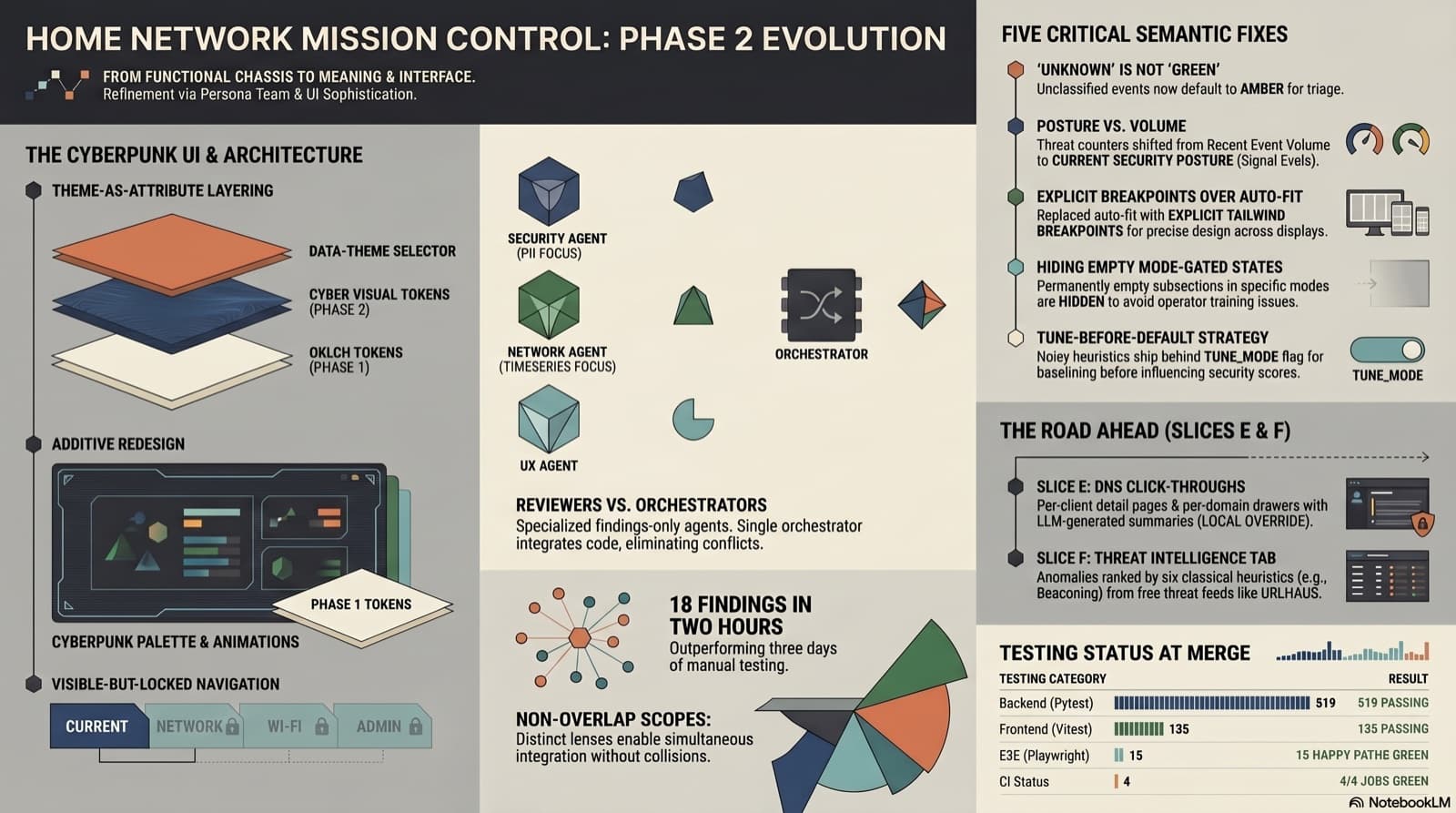
Part 2 of the home network dashboard build with Claude Code. One persona-team session ported a cyberpunk redesign onto Phase 1, surfaced 18 actionable findings across four reviewer dispatches, fixed every one in the same session, and produced fully phased plans for two future features (DNS click-throughs and a Threat Intelligence tab) on the way out. 519 backend tests, 135 Vitest, 15 Playwright, all green at merge. The through-line is the reviewer-only persona team, not the skin.
Comments
Subscribers only — enter your subscriber email to comment