
Building a 5-Agent Design Team: The /ui-ux Skill System
12 community skills evaluated, 35 design rules extracted, 4 knowledge base files created, 5 agents deployed. I built a complete UI/UX design and quality system for Claude Code in a single day.
12 community skills, 35 design rules, 5 agents, 1 day.
That is the compression ratio of the /ui-ux skill system I built on April 12, 2026. I evaluated every open-source Claude Code UI/UX skill I could find, cherry-picked the best ideas from each, rejected the dangerous ones, and assembled the results into a coordinated agent team that handles design system generation, component architecture, performance auditing, and visual quality assurance.
Here is the full story: what was missing, what I found, what I threw away, and what actually shipped.
Series Context
This is the second post in the Under the Hood series, covering the internal infrastructure that makes Claude Code work better over time. The first post covered the Homunculus Evolution Layer, which synthesizes behavioral patterns into reusable tools. This one builds a design team from scratch.
The Gap#
My Claude Code setup had two domain-specific UI agents: game-ux.md for game interfaces and blog-ux.md for blog post layouts. Both worked fine in their narrow lanes. Neither could handle general-purpose UI/UX work.
The gaps were concrete:
- No design system generation. No automated color palette selection, typography pairing, or spacing scale creation. Every new project started from scratch.
- No accessibility enforcement. No WCAG contrast checking, no touch target validation, no screen reader audit. Accessibility was a manual afterthought.
- No performance guardrails. No bundle size budgets, no client component limits, no Core Web Vitals targets. React Server Component misuse went uncaught.
- No anti-pattern detection. No way to flag AI-generated "slop" (generic Inter font, pure black backgrounds, zero border-radius, default everything). The aesthetic equivalent of code smell, but for interfaces.
I needed a general-purpose system that could handle any UI/UX task, enforce quality standards, and integrate with my existing agent infrastructure.
The Research: 12 Skills, 3 Tiers#
I spent the first half of the day evaluating every community-built UI/UX skill I could find. Twelve made the evaluation list. I sorted them into three tiers based on how much I planned to adopt.
Swipe to see the full diagram · Tap to enlarge
Tier 1: Foundation Skills#
These three skills contributed the most to the final system. Each one brought something the others lacked.
UI/UX Pro Max (63K stars) was the most comprehensive. It ships with CSV knowledge bases covering 161 design categories, 67 styles, 161 color palettes, and 57 font pairings. The design system generation logic was exactly what I needed. I cherry-picked its hierarchical persistence pattern (design decisions survive across conversations), its industry-specific anti-pattern library, and its pre-delivery checklist structure.
What I rejected: the Python scripts. More on that shortly.
Anthropic Frontend Design (65K stars) was the official Anthropic skill, and its value was philosophical rather than technical. Its core principle, "work backwards from audience and purpose," became the guiding approach for the Visual Designer agent. It also brought the anti-AI-slop enforcement I was looking for: an explicit ban on overused default fonts (Inter, Roboto, Arial, and ironically, Space Grotesk, which my own site uses). The five design dimensions it defines (Typography, Color/Theme, Motion, Spatial Composition, Backgrounds) became the evaluation framework.
ALL-GOOD-UI by HelloRuru brought 32 non-negotiable design rules and a 5-agent team structure. The rules were gold. The first 15 especially: no pure black (#000), minimum 4px border-radius, design tokens required, WCAG AA minimum (4.5:1 for text, 3:1 for UI elements), 44x44px touch targets, prefers-reduced-motion respect, mobile-first responsive, animations only on transform and opacity. These became the backbone of my design-rules.md knowledge base.
The 5-agent team structure was also influential. Not because I copied it directly, but because it validated the approach: a coordinator (director) routing work to specialists, rather than one monolithic agent trying to do everything.
Three Sources, Three Strengths
UI/UX Pro Max brought the data (161 categories, 57 font pairings). Anthropic Frontend Design brought the philosophy (audience-first, anti-slop). ALL-GOOD-UI brought the rules (32 non-negotiable standards). No single source covered all three. The synthesis was the point.
Tier 2: Specialized Skills#
Three more skills contributed high-value cherry-picks without becoming foundation pieces.
TASTE by VOIDXAI provided a 5-dimension quality scoring framework: Code, Architecture, Product, Design, and Communication, each scored 1 to 5. More valuable than the scores themselves was the anti-patterns library: astronaut architecture (over-engineering for imaginary scale), cleverness theater (complex code that impresses no one), premature consistency (forcing a design system before understanding the domain), design defaults (accepting AI-generated aesthetics without questioning them), and gold-plating (polishing what does not need polish). The UX Reviewer agent uses TASTE as one of its evaluation frameworks.
PencilPlaybook by stevembarclay was research-backed perceptual psychology data turned into concrete defaults. Letter-spacing of -0.03em for display text at 56px and above. Disabled state opacity at 40%, not the commonly used 50%. Motion timing between 100ms and 500ms depending on element size. These went directly into perceptual-defaults.md. Nine scaffold templates (Dashboard, List, Detail, Marketing, Modal, Wizard, Mobile, Form, Empty State) with ASCII diagrams and responsive breakpoints became scaffold-templates.md.
Vercel Agent-Skills contributed 69 React performance rules across 8 priority tiers. I cherry-picked the top 2 tiers as hard enforcement rules (eliminating data fetch waterfalls, barrel import bans, mandatory dynamic imports for heavy components) and kept the remaining tiers as guidelines. These became react-performance.md.
Tier 3: Complementary Skills#
Six more skills contributed smaller pieces: AccessLint (contrast calculation formulas), claude-a11y-skill (runtime vs. static scan modes), Designer Skills Collection (command composition pattern), Refactoring UI (visual hierarchy auditing), UX Heuristics (Nielsen's 10 principles as a checklist), and Interface Design (persistent design decision tracking). Each contributed a specific idea or rule that made it into the final knowledge base.
What Got Rejected (and Why It Matters)#
The rejection list is as important as the adoption list.
All Python scripts from community skills. UI/UX Pro Max ships with Python scripts for design system generation, color palette creation, and font pairing selection. I rejected every one of them. According to Snyk research, 36% of community Claude Code skills contain prompt injection vulnerabilities. Running arbitrary Python from the internet inside my development environment is not a calculated risk. It is an unnecessary one. The same design logic works as prompt instructions without the execution risk.
Community Skills and Prompt Injection
36% of community Claude Code skills contain prompt injection vulnerabilities (per Snyk research). Never execute Python scripts, shell scripts, or any arbitrary code from community skills without a thorough security review. Extract the knowledge and logic as prompt instructions instead.
CLI installation approaches. Several skills expected you to pip install or npm install their toolchain as a prerequisite. I integrated the useful parts directly into the skill definition and agent instructions. No external dependencies, no installation steps, no supply chain risk.
Figma dependency. Multiple skills assumed Figma as the design source of truth. I am not experienced with Figma, and adding it would introduce a tool dependency that blocks the entire workflow when that tool is unavailable. Deferred to a potential Phase 2.
Single-agent approach. Several skills were designed as monolithic agents: one massive prompt that tries to handle design, architecture, performance, and accessibility simultaneously. This does not scale. A 2,000-line agent prompt loses coherence. Five focused agents with clear ownership boundaries perform better than one agent that tries to do everything.
Non-WCAG AA targets. Some skills treated accessibility as optional or used lower thresholds. I enforced WCAG AA as the minimum: 4.5:1 contrast for normal text, 3:1 for large text and UI components. This is not aspirational. It is the legal standard in many jurisdictions.
Aesthetic anti-patterns. Pure black (#000) backgrounds, zero border-radius, !important overrides, and ID selectors for styling were banned. These are not style preferences. They are indicators of lazy defaults or AI-generated slop that has not been reviewed by a human.
The Architecture: Director + 4 Specialists#
With the research synthesized into four knowledge base files, the next step was designing the agent team that would use them.
Swipe to see the full diagram · Tap to enlarge
The Director#
The ui-ux-director.md agent (Sonnet) is the orchestrator. It does not design, build, or review anything directly. Instead, it routes work to the right specialist based on one of five modes:
- Design Mode for new projects or major redesigns: sequential Visual Designer, then Component Architect, then parallel reviewers
- Build Mode for new features or pages: parallel design and architecture, then parallel review
- Review Mode for auditing existing UI: both reviewers run in parallel, results synthesized
- Fix Mode for addressing specific issues: targeted specialist, then verification
- Audit Mode for pre-launch quality checks: all four agents in parallel, unified pass/fail
The mode selection is not automatic. You tell the director what you need, and it chooses the appropriate workflow.
The Visual Designer#
The ui-visual-designer.md agent (Sonnet) owns aesthetic direction. It creates design token files and global styles. Its philosophy-first approach (from Anthropic Frontend Design) means it establishes the visual direction before any code is written: Who is the audience? What should they feel? What references exist?
The anti-AI-slop enforcement lives here. The Visual Designer will flag (and refuse to use) overused defaults: Inter for body text, generic blue for primary actions, pure black backgrounds, zero border-radius cards. It creates CSS custom properties for all colors, never hardcoded hex values.
The Component Architect#
The ui-component-architect.md agent (Sonnet) owns component files and layout composition. It works with design tokens from Tailwind v4's @theme directive or CSS custom properties and enforces composition patterns: compound components, custom hooks, container/presentational separation.
Hard constraints: max 200 lines per component, max 4 nesting levels, max 2 prop drilling levels. All 8 interactive states required for every interactive element (default, hover, focus, active, disabled, loading, error, empty). Semantic HTML enforced. Container queries for component responsiveness, media queries only for page-level layouts.
All 8 States Required
Every interactive component must handle all 8 states: default, hover, focus, active, disabled, loading, error, and empty. Missing states are the most common source of UI bugs that ship to production. The Component Architect enforces this as a hard requirement, not a suggestion.
The Performance Reviewer#
The ui-performance-reviewer.md agent (Haiku) is a read-only auditor. It uses the cheaper Haiku model because it does not generate code. It reads what the other agents produced and checks it against the performance budget:
- First Contentful Paint under 1.8 seconds
- Largest Contentful Paint under 2.5 seconds
- Cumulative Layout Shift under 0.1
- Interaction to Next Paint under 200ms
- Bundle size under 200KB gzipped
- Client components under 20% of total
It checks for data fetch waterfalls, barrel import bloat, missing dynamic() imports, unoptimized images (not using next/image with sizes), and animations on properties other than transform and opacity. Output is a JSON severity report: critical, warning, or info.
The UX Reviewer#
The ui-ux-reviewer.md agent (Sonnet) is the quality gate. It runs four evaluations:
- Heuristic evaluation using Nielsen's 10 usability heuristics, each scored 1 to 5
- TASTE framework scoring across 5 dimensions (Code, Architecture, Product, Design, Communication), each 1 to 5
- Design rules audit checking all 35 rules from
design-rules.md - Playwright visual QA across 5 viewports: mobile portrait (375px), mobile landscape (667px), tablet (768px), desktop (1280px), and wide desktop (1920px)
The quality gate has clear thresholds: heuristic average of 3.5 or above, TASTE average of 3.0 or above, and no critical rule violations. Results are PASS, CONDITIONAL PASS (minor issues to address), or FAIL. Maximum 2 revision cycles before the director escalates.
Why Two Reviewers?
Performance and UX review are independent concerns. The Performance Reviewer checks technical constraints (bundle size, render timing, fetch patterns). The UX Reviewer checks experiential quality (usability, aesthetics, accessibility). Neither can substitute for the other. Running them in parallel saves time without losing coverage.
The Knowledge Base: 4 Files, Shared Everywhere#
The four knowledge base files live in ~/.claude/skills/ui-ux/data/ and are referenced by all five agents. They are also shared with the existing game-ux.md and blog-ux.md agents, which were updated to reference design-rules.md and perceptual-defaults.md.
design-rules.md (35 rules, 6 categories)#
Organized into Color/Visual, Typography, Layout/Spacing, Interaction/States, Code Quality, and Anti-Patterns/AI Slop. Every rule is non-negotiable. Examples:
## Color/Visual
- No pure black (#000) for backgrounds or text
- WCAG AA minimum: 4.5:1 for normal text, 3:1 for large text and UI
- Design tokens required for all colors (CSS custom properties)
- Maximum 5 colors in primary palette (plus neutrals)

## Anti-Patterns / AI Slop
- Ban: Inter, Roboto, Arial as body fonts (overused defaults)
- Ban: Generic blue (#0066FF or similar) as sole primary color
- Ban: Zero border-radius on cards or interactive elements
- Ban: !important declarations for styling
- Ban: ID selectors for styling
perceptual-defaults.md#
Research-backed values from cognitive science and perception studies. Ten typography scale roles (from 10px caption to 72px hero), eight color perception properties, seven motion timing categories (micro-interactions at 100-150ms, page transitions at 300-500ms), eight spacing tokens on an 8px grid, six touch/interaction properties, six responsive breakpoints, and nine z-index layers.
scaffold-templates.md (9 patterns)#
Complete layout patterns with ASCII diagrams and responsive decisions for Dashboard, List View, Detail View, Marketing/Landing, Modal/Dialog, Wizard/Multi-Step, Mobile Navigation, Form Layout, and Empty State. Each template specifies the grid structure, breakpoint behavior, and common pitfalls.
react-performance.md (20+ rules, 4 tiers)#
Priority-tiered React performance rules:
| Tier | Priority | Examples | Enforcement |
|---|---|---|---|
| 1 | Critical | Eliminate fetch waterfalls, ban barrel imports | Hard block |
| 2 | High | Dynamic imports for 50KB+ components, next/image required | Hard block |
| 3 | Medium | Memoization patterns, key prop strategy | Warning |
| 4 | Low | Code splitting hints, prefetch patterns | Suggestion |
Performance budget included: FCP under 1.8s, LCP under 2.5s, CLS under 0.1, INP under 200ms, bundle under 200KB gzipped, client components under 20%.
Knowledge Base, Not Prompt Bloat
The knowledge base files are referenced by agents, not embedded in their prompts. Each agent reads only the files relevant to its role. The Visual Designer reads design-rules.md and perceptual-defaults.md. The Performance Reviewer reads react-performance.md. This keeps individual agent prompts focused while sharing a single source of truth.
File Ownership: Who Writes What#
One pattern that prevented conflicts: strict file ownership.
| Agent | Writes | Reads |
|---|---|---|
| Visual Designer | Design token files, global styles | design-rules.md, perceptual-defaults.md |
| Component Architect | Component files, layout components | All 4 knowledge base files |
| Performance Reviewer | Nothing (read-only) | Source files, react-performance.md |
| UX Reviewer | Nothing (read-only) | Source files, all 4 knowledge base files |
| Director | Nothing (orchestrator) | Everything |
The two reviewer agents never modify source files. They produce reports. The two builder agents (Visual Designer and Component Architect) have non-overlapping file ownership. The Director routes work but never touches content. This means no merge conflicts, no overwritten changes, no "which agent's version do I keep?" decisions.
The WCAG Enforcement Strategy#
WCAG compliance was not bolted on as an afterthought. It was baked into the design rules from the start. The top 10 most common web accessibility violations guided the enforcement approach:
- Color contrast failures (83.6% of websites fail this): automated checking via contrast ratio calculations in design-rules.md
- Missing form labels: template-enforced in scaffold-templates.md
- Missing alt text: Component Architect enforces on all
<img>elements - Keyboard navigation failure: all interactive elements must be keyboard-accessible (design rules)
- ARIA misuse: prefer semantic HTML over ARIA when possible (code quality rules)
The strategy is three-layered: automated checks for objective metrics (contrast ratios, touch target sizes), template enforcement for structural patterns (form labels, heading hierarchy), and manual review for subjective quality (content clarity, task flow).
Stack-Specific Decisions#
The system was built for a specific stack: Next.js 15, React Server Components, Tailwind CSS v4, and TypeScript. Key technical decisions:
- React Server Components by default (80-90% server). Client components require explicit justification.
- Tailwind v4
@themedirective for design tokens. CSS custom properties generated from the Visual Designer's color system. - CSS transitions preferred (0 KB runtime cost). Framer Motion (25 KB) only for complex orchestrated animations.
- Container Queries for components (95% browser support). Media queries only for page-level responsive behavior.
- View Transitions API for route changes (85% browser support). Progressive enhancement, not a requirement.
clamp()for fluid typography. No media query breakpoints for font sizes.
Why Container Queries Over Media Queries?
Container Queries let components respond to their container's size, not the viewport. A card component that works in a 3-column grid at 400px width also works in a 1-column mobile layout at the same 400px width. Media queries would require the card to know about the page layout. Container Queries keep components self-contained. Browser support is at 95% as of early 2026.
The Deployment: One Day, Ten Files#
The entire system was built and deployed on April 12, 2026.
| Category | Files | Description |
|---|---|---|
| Skill entry point | 1 | ~/.claude/skills/ui-ux/SKILL.md |
| Agents | 5 | Director + 4 specialists in ~/.claude/agents/ |
| Knowledge base | 4 | Data files in ~/.claude/skills/ui-ux/data/ |
| Total | 10 | New files created |
Custom agents increased from 13 to 18. Invocable skills increased from 4 to 5. The existing game-ux.md and blog-ux.md agents were updated to reference the shared design-rules.md and perceptual-defaults.md files, giving them access to the consolidated rule set without duplication.
The first real-world application was immediate: the Cyber Editorial design refresh for cryptoflexllc.com, using dark-first oklch color tokens, Space Grotesk for headings, Source Serif 4 for body text, and JetBrains Mono for code.
The Hard Lesson: Reskin vs. Overhaul#
And then I learned something that the 35 design rules and 12 community skills did not prepare me for.
Changing CSS tokens and fonts on existing layouts is a reskin, not a visual overhaul.
The token swap was fast. oklch color tokens replaced the old hex palette in minutes. New fonts loaded cleanly. The spacing scale updated across every component. From a design system perspective, everything was correct. The tokens were semantic, the fonts were paired properly, the contrast ratios all passed.
But the site looked structurally the same. The same card layouts. The same section patterns. The same visual rhythm. A new coat of paint on the same house.
True visual transformation requires rewriting JSX markup and layout composition. Not just updating --color-primary from one value to another, but rethinking how content blocks stack, how whitespace creates hierarchy, how typography sizes create emphasis. The design system provides the vocabulary. The JSX provides the sentences.
This became a Phase 2 plan (deferred) for a full layout rebuild inspired by codewithmukesh-style editorial design: asymmetric grids, generous whitespace, typography-driven hierarchy, content-first layout composition.
Tokens Are Vocabulary, Not Prose
A design system gives you consistent, semantic building blocks. But swapping tokens on an existing layout is like translating a document word-for-word into another language. The grammar stays the same. True visual transformation requires rewriting the composition, not just the variables.
The Numbers#
| Metric | Value |
|---|---|
| Community skills evaluated | 12+ |
| Design rules extracted | 35 (6 categories) |
| Perceptual defaults cataloged | 50+ (10 typography, 8 color, 7 motion, 8 spacing, 6 touch, 6 breakpoints, 9 z-index) |
| Scaffold templates | 9 layout patterns |
| React performance rules | 20+ (4 priority tiers) |
| Agent files created | 5 (1 director, 4 specialists) |
| Knowledge base files | 4 |
| Total new files | 10 |
| Build time | 1 day |
| Agent count increase | 13 to 18 (+38%) |
| Skills count increase | 4 to 5 (+25%) |
Lessons Learned#
Cherry-Pick, Don't Clone
No single community skill had everything I needed. The value was in synthesis: taking the best ideas from 12 sources and combining them into a coherent system. Clone a skill and you inherit its assumptions, its limitations, and its security risks. Cherry-pick the knowledge and build your own structure.
Reject All Untrusted Code
36% of community Claude Code skills contain prompt injection. Extract knowledge as prompt instructions. Never run Python scripts, shell scripts, or CLI tools from community skills without a complete security review. The execution risk is not worth the convenience.
Ownership Prevents Conflicts
Strict file ownership across agents (Visual Designer owns tokens, Component Architect owns components, reviewers are read-only) eliminates merge conflicts in multi-agent workflows. When two agents can write to the same file, they eventually will, and the results are unpredictable.
Sequential for Dependencies, Parallel for Independence
Design before architecture (the Component Architect needs the Visual Designer's tokens). Both reviewers in parallel (performance and UX evaluation are independent). The pipeline structure should mirror the dependency graph, not an arbitrary order.
Reskin Is Not Redesign
Swapping design tokens and fonts changes the surface. Rewriting JSX and layout composition changes the structure. If your goal is visual transformation, plan for both. A Phase 1 token swap followed by a Phase 2 layout rebuild is a reasonable approach, but do not expect Phase 1 alone to deliver the transformation.
What's Next#
The 5-agent team is deployed and operational. The first application (cryptoflexllc.com's Cyber Editorial design) validated the token generation and design rule enforcement. The Phase 2 layout rebuild will test the scaffold templates and composition patterns.
Three open questions:
-
Does the quality gate calibration hold? A heuristic average of 3.5 and TASTE average of 3.0 were educated guesses. Real-world usage will reveal if the thresholds are too strict (blocking good work) or too loose (letting mediocre work through).
-
How does the knowledge base evolve? The 35 design rules and 20+ performance rules are static today. As I encounter new patterns (or new anti-patterns), the knowledge base needs a maintenance workflow. The Homunculus evolution layer might eventually feed design-specific instincts into these files.
-
Does Haiku work for performance review? The Performance Reviewer uses Haiku for cost efficiency, since it only reads and reports. If the reports miss nuanced performance issues that Sonnet would catch, the model choice needs revisiting.
The system learns what good design looks like by encoding it in rules, defaults, and templates. The agents enforce those encodings consistently across every project. Whether the encodings are right is something only real-world usage will tell.
Written by Chris Johnson and edited by Claude Code (Opus 4.6). This post is the second in the Under the Hood series. The full configuration, including all agent files and knowledge base data, is available in the claude-code-config repo.
Weekly Digest
Get a weekly email with what I learned, summaries of new posts, and direct links. No spam, unsubscribe anytime.

Related Posts
From 70K tokens per session to 7K. A 7-agent audit, 23 evaluation documents, 11 component scorecards, 5 optimization patterns, and an 8-agent implementation team. This is the full story of cutting context consumption by 90%.
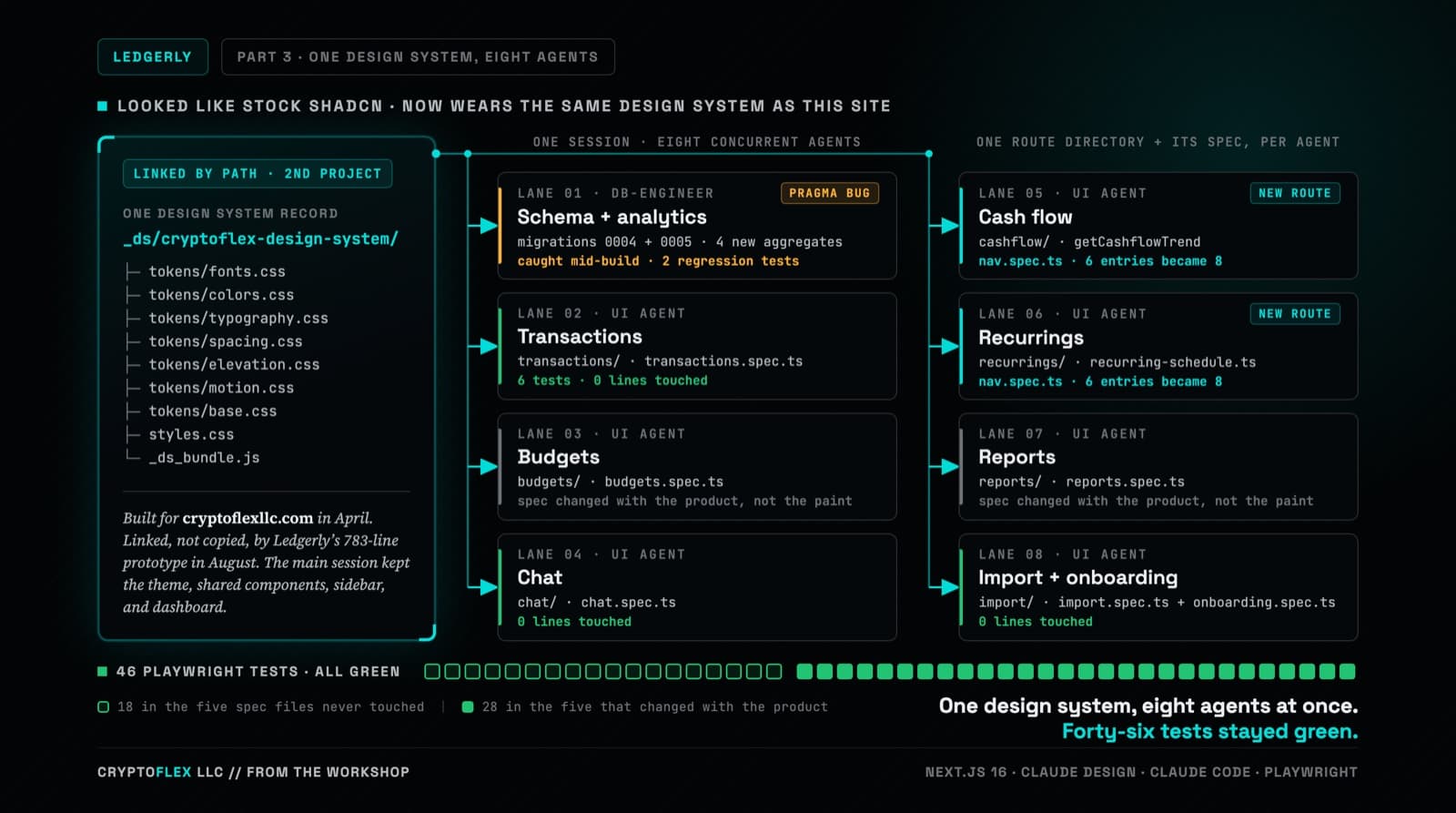
Ledgerly's UI still worked but looked like stock shadcn, so the whole thing went through Claude Design and came back wearing CryptoFlex's Cyber Editorial system, the same one from April's site rebuild. Eight parallel agents rebuilt every screen against real backend constraints while 46 Playwright tests stayed green, one of them written to prove a SQLite migration bug on purpose.
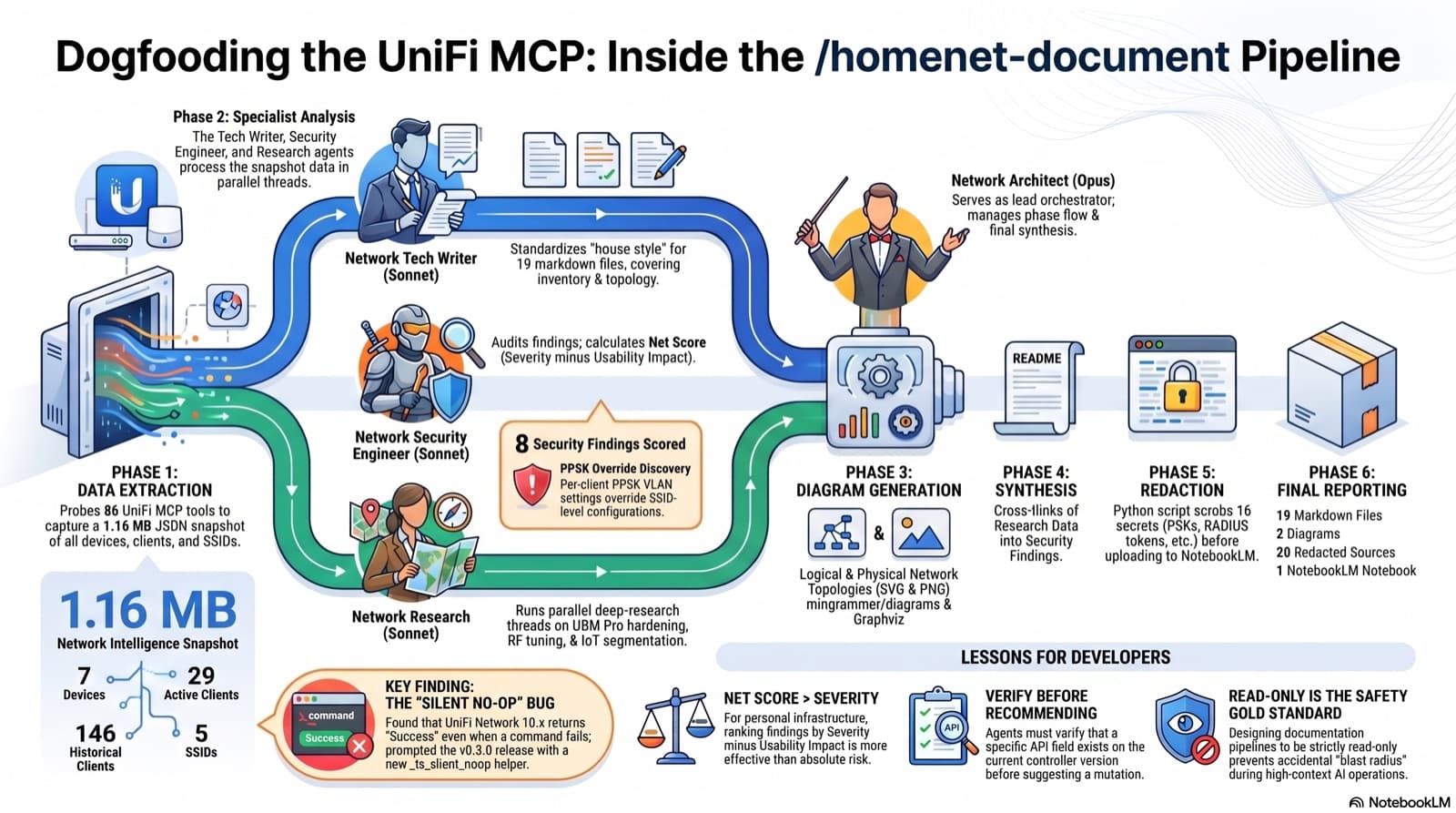
4 agents, 6 phases, 19 markdown files, 2 diagrams, 20 NotebookLM sources, 1 false positive caught, 1 silent UniFi bug surfaced and shipped as v0.3.0 in the same session.
Comments
Subscribers only — enter your subscriber email to comment