
CryptoFlex// chris johnson
ShippingSubscribe
Series

Quick Tips

2 posts in this series

1
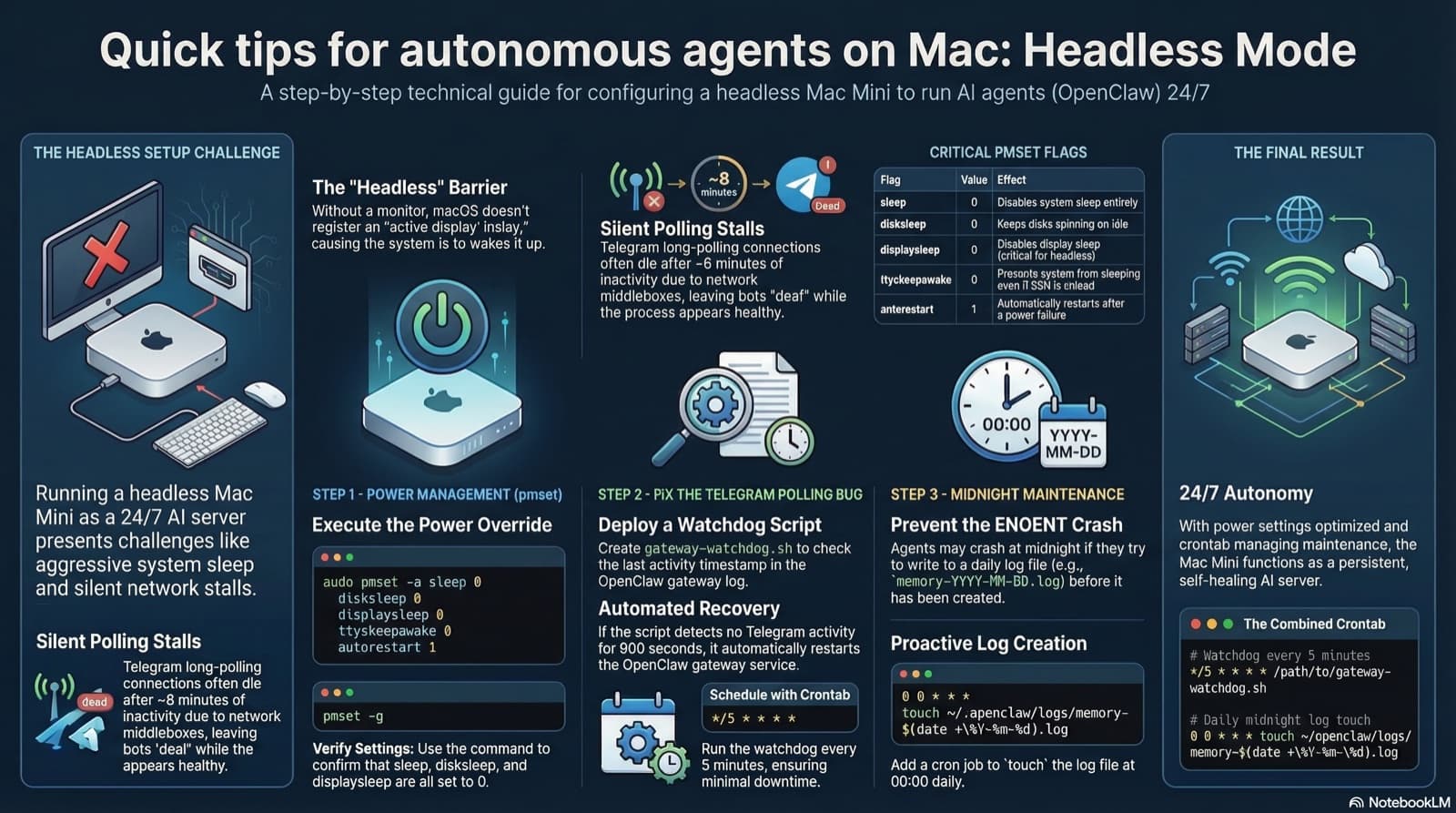
Visual overview of the three headless Mac Mini fixes: power management, gateway watchdog, and daily log creation

Running OpenClaw locally on a headless Mac Mini sounds simple until your bots go silent at 2am. Here are the pmset settings, watchdog cron, and daily log setup that actually keep it running.

Chris Johnson··9 min read
2
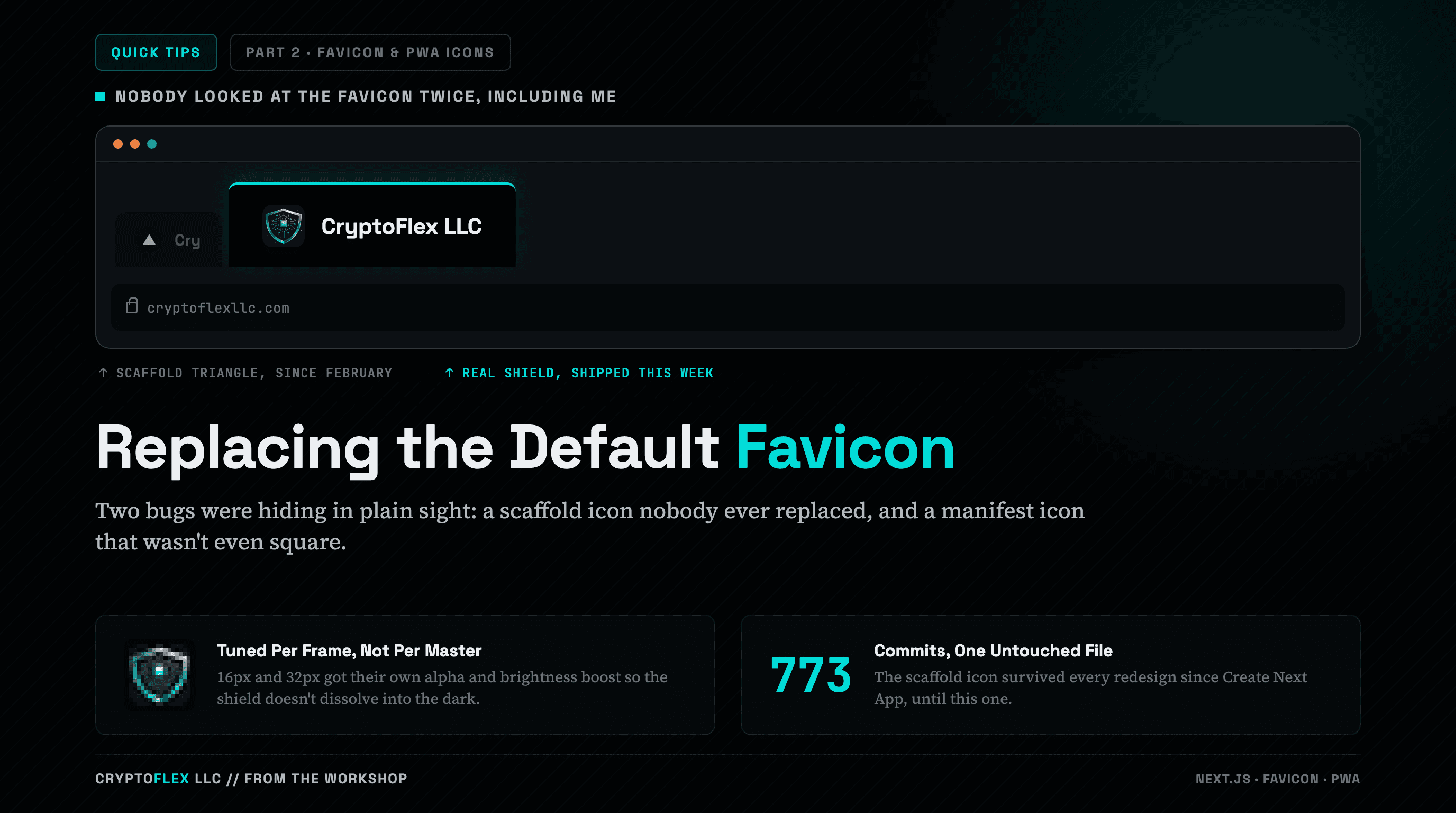
A dark browser chrome mockup fills most of the cover: a titlebar with three traffic-light dots sits above two tabs. The dim left tab reads Cry next to a plain white triangle in a black circle, the generic Next.js placeholder favicon. The bright active tab beside it, outlined in teal, reads CryptoFlex LLC next to the real teal circuit-shield icon, with an address bar below reading cryptoflexllc.com. Small captions under the tabs read scaffold triangle, since February and real shield, shipped this week. Below, the headline Replacing the Default Favicon (Favicon in teal) is followed by a line: Two bugs were hiding in plain sight, a scaffold icon nobody ever replaced, and a manifest icon that wasn't even square. Two callout cards sit at the bottom: one shows the real 16px favicon frame blown up pixel by pixel next to the text Tuned Per Frame, Not Per Master describing the alpha and brightness boost; the other shows the number 773 next to Commits, One Untouched File. A Quick Tips series chip and a Part 2, Favicon & PWA Icons chip sit in the header, and the footer reads Cryptoflex LLC, From The Workshop with Next.js, Favicon, PWA stack tags.

My tab strip still showed the stock Next.js triangle because nobody had replaced the scaffold favicon.ico, and my web manifest pointed at a logo that wasn't even square. Fixing both took a Pillow crop, per-frame tuning at 16 pixels, and a maskable safe zone.

Chris Johnson··6 min read

Navigation

Blog Posts

↑↓ navigate↵ openesc close